The Better Marketing Blog
Better tips, tools, and tactics for the AI era.
Better tips, tools, and tactics for the AI era.
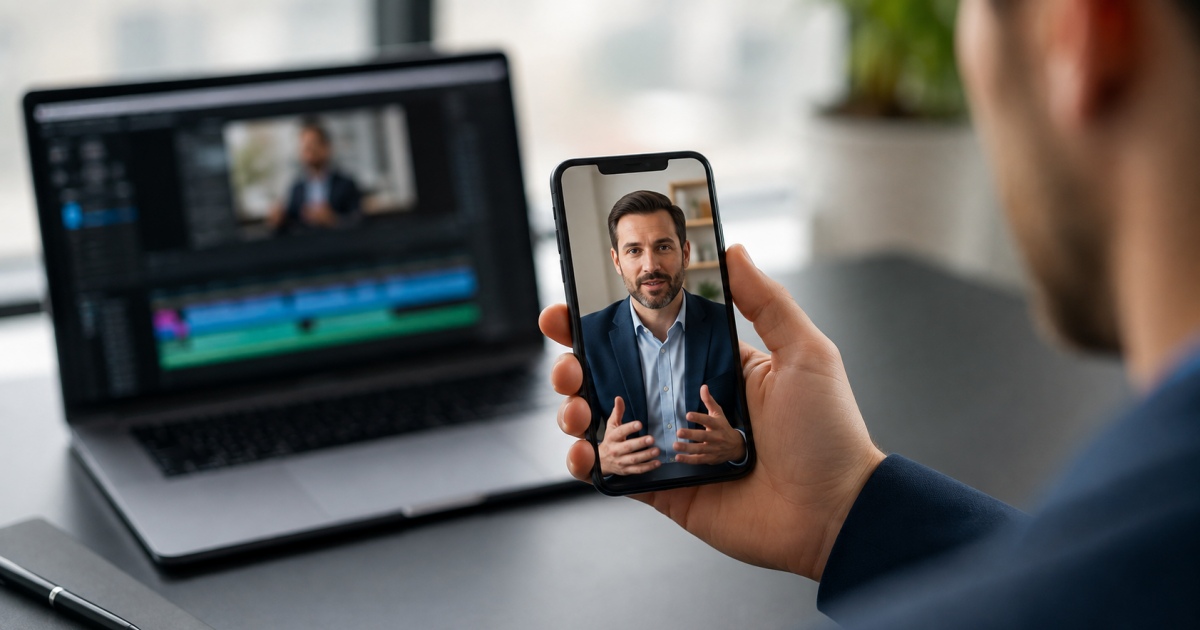
LinkedIn’s full-screen video feed gives B2B marketers another opportunity to reach viewers through a dedicated, mobile-first experience. The format borrows the portrait-format, “swipe-up” navigation of TikTok and Instagram, but targeted to business users.
In this guide, we’ll show you best practices for using LinkedIn vertical videos in your B2B marketing, as well as real-life examples to inspire you.
On LinkedIn, education comes first, entertainment comes second.
LinkedIn users generally arrive in a professional frame of mind, looking for ideas they can apply at work. But B2B marketers can still learn from what millions of TikTok and Reels creators have discovered about holding attention within a vertical-format video.
Best practices for vertical videos:
The following LinkedIn videos show some of the ways B2B marketers are adapting the vertical format to practical business goals. Let them inspire you!
Use this format to answer one specific question and give viewers a result they can reproduce. Practical tutorials are especially well suited to earning saves because viewers may want to repeat the process later.
Viewers get a real look at the tool rather than describing its capabilities from off-screen. The 720 × 1280 recording fills a phone screen, while the focused demonstration makes the lesson easy to save and revisit.
Use product demonstrations to show how the product fits into an actual workflow. A vertical video has enough room for one useful experience, not a tour of every feature.
Viewers see both the interface and the people using it. The setup demonstrates that new users can work with Slate instinctively, while the casual conference setting keeps the product from feeling separated from the content.
This format helps executives and specialists build credibility around a focused business question. It works best when the speaker has relevant experience and a clear position to defend.
Rosenthal makes a specific claim and defines its limits. She says the approach worked because ClickUp marketed to organizations and teams of many sizes, while acknowledging that a company targeting enterprise security executives would need a different strategy.
Customer stories give prospects evidence that a product has solved a recognizable business problem. They’re most persuasive when they include a baseline and a measurable result.
The video reports that overall equipment effectiveness increased from 45% to 65% and production-line efficiency improved by 30%. Those figures give the story enough specificity to be useful to other manufacturers. Because an AVEVA executive narrates the story, marketers should describe it as an employee-led customer case study rather than a customer testimonial.
Use vertical video to pull the most consequential finding from a larger study and explain what it means. The video can make the report easier to discover while giving viewers a reason to read the complete research.
The post leads with a clear comparison: 74% of marketers who frequently collaborate with influencers consider their research-based content very effective, compared with 29% of other respondents. The accompanying interview clip then explains how expert contributors can give original research its practical “so what.”
LinkedIn accepts a wide range of video dimensions, but these settings are a reliable starting point for the mobile vertical-video experience. Keep important text, faces, and logos away from the edges, where LinkedIn’s interface may cover them.
Be sure to check LinkedIn’s video requirements again before production because platform specifications can change.
| Specification | Recommended for Vertical Video | LinkedIn Requirements |
|---|---|---|
| Aspect ratio | 9:16 | 1:2.4 to 2.4:1 |
| Resolution | 1080 × 1920 pixels | 256 × 144 to 4096 × 2304 pixels |
| Length | Usually 15–90 seconds | Minimum 2 seconds on mobile or 3 seconds on desktop; maximum 15 minutes |
| File size | Compress for quick mobile playback | 75 KB to 5 GB |
| Frame rate | 24 or 30 fps | 10 to 60 fps |
| Bit rate | Export at a clear, web-ready quality | 192 Kbps to 30 Mbps |
| Captions | Add and review captions before publishing | LinkedIn supports automatic captions and caption review |
| Safe zone | Keep essential elements away from every edge | LinkedIn warns that interface elements may overlap the top, bottom, and sides |
Creating great B2B videos doesn’t have to be hard. Media Shower combines brand-trained AI assistants with a human creative team to turn the expertise you already have into LinkedIn-ready video.
Start your free trial and put your next video in motion.
Start your free Media Shower trial and get personalized insights on your SEO, competitors, AI visibility, and what to do next.