The Better Marketing Blog
Better tips, tools, and tactics for the AI era.
Better tips, tools, and tactics for the AI era.

When was the last time you asked your designer to run paid search?
Or your copywriter to code a landing page?
Marketing runs on specialization. Yet somehow, “Let’s bring in marketing automation with AI” has turned into adopting a single tool and asking it to perform 12 jobs at once.
Modern marketing is a performance ecosystem. And today, that ecosystem works best with AI and human collaboration.
This is your blueprint for building an AI marketing team that performs like a real one: structured, strategic, and built for scale.
Your marketing team is likely made up of specialists, each with a defined job, a repeatable workflow, and clear expectations about how they should perform.
With AI, we just use customized assistants to help each marketing team member do their specialized job better.
When AI tools support each role, teams work faster. They stay consistent. And companies eliminate the “too many tools, too little strategy” problem that’s swallowing so many marketing budgets.

Using AI for a marketing team is easiest to scale when you map tools directly to roles your team already understands.
Here’s your cheat sheet for creating your AI marketing roles. Turn a pile of AI tools into something that looks and behaves a lot more like a real marketing department.
Once you assign each tool its task, the duplicates fall away, and your budget stops funding look-alikes.
To begin assembling your dream marketing team, start where it hurts.
Start by scanning your day-to-day workflow for the signals your team is already sending:
These pain points are your roadmap. They reveal exactly where AI can deliver lift and prove it.
Here’s the simplest framework to rebuild your stack with intention:
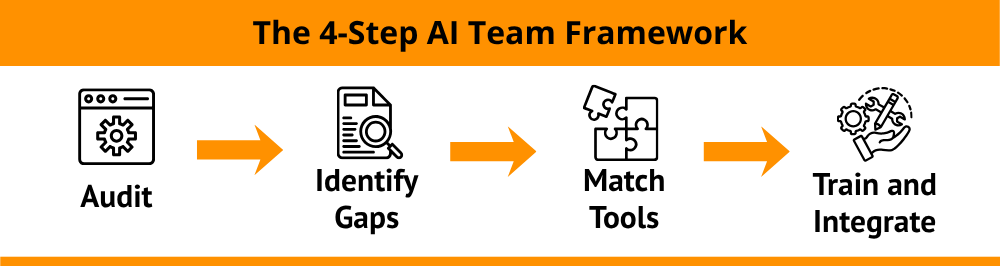
Once you map the pain, you can stop guessing; the tools you need become obvious. More importantly, they become investments you can track, test, and improve.
Plenty of teams are investing in AI. Few are actually using it well.
These are the traps that sabotage efficiency:

To build an AI marketing team, you need clear roles and functions that support what you’re already doing.
If you stripped the AI tool stack to its essentials, a lean, high-functioning AI marketing team would look like this:
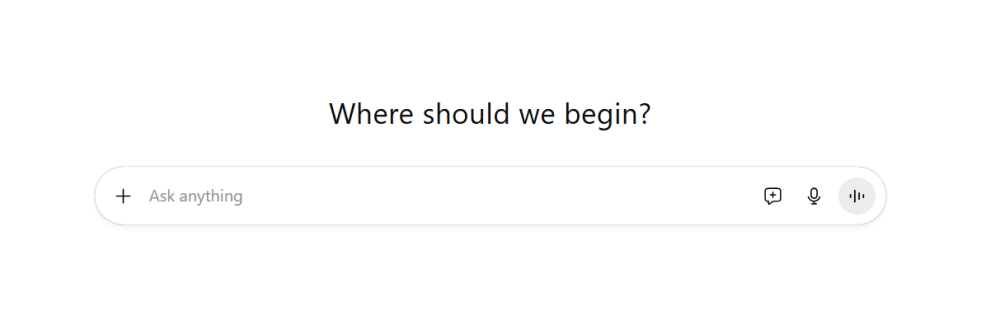
Your idea engine
While these most-used AI platforms all have their strengths and weaknesses, they are interchangeable for many teams. AI-powered marketing strategist handles messaging frameworks, outlines, brainstorms, first drafts, and campaign angles that typically eat half the day.
Paired with a strategic human brain, this tool gives you a smarter starting point. Instead of staring at a blank page, you can spend your time refining ideas.
Your lite image and video generator
Image creation has come a long way in the three years since the introduction of ChatGPT to the public. Both Chat (with Sora) and Gemini (with Nano Banana/2.5 Flash Image) create gorgeous images.
Google’s Veo 3 can animate images and create short video clips, which marketing teams can use for:
If your team’s needs are more complex, you may want to look into Runway or Descript as less-expensive alternatives to Adobe Premiere.
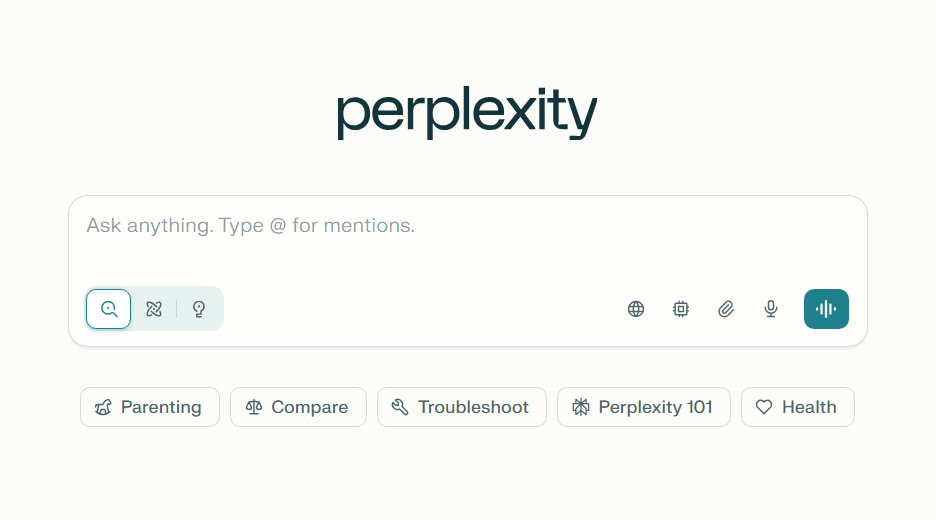
Perplexity shines when you need fast synthesis across large, scattered information sources. They help you move from raw data to polished insights without getting lost in the weeds.
Here’s a sample of practical tasks where a deep thinker makes a clear difference.
And this AI-powered marketing tool brings receipts. No AI tool produces clean links 100% of the time, but Perplexity pulls credible sources with verified links more often than any other tool we’ve tested—by far.
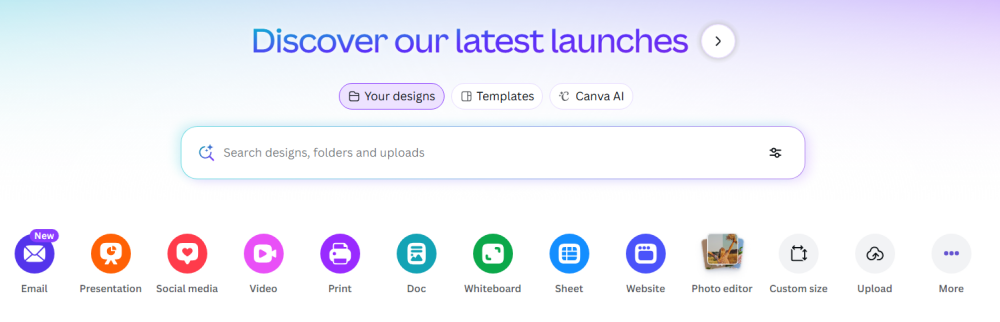
An AI designer should handle two core needs: fast, production-ready graphics and higher-concept creative exploration. Canva and Midjourney both fit the category, but they solve different parts of the job depending on what your team produces and how polished the final deliverable needs to be.
Canva: Your execution engine
Canva gives you branded, ready-to-use graphics for social posts, ad variations, presentations, email headers, landing-page visuals, and other assets that need to look clean and consistent. Its strength is speed. Once you set brand rules, it turns routine design work into a minutes-long task instead of an hours-long one.
And with its ever-expanding suite of AI tools, Canva is fast becoming a must-have for many marketing teams.
Midjourney: Your concept generator
Midjourney is your concept generator. It helps you explore styles, aesthetics, and visual directions before you commit to a final design. It’s useful when you need mood boards, campaign concepts, illustration-style assets, or fresh angles that break you out of template thinking.
You still refine the outputs, but you start with a stronger visual foundation.
Together, these tools cover the full design spectrum: quick-turn production on one side, creative exploration on the other. If your team needs polished graphics, Canva stands on its own.
If you need original concepts or stylized visuals, Midjourney can fill that role. Many teams use both, but it depends entirely on the type of assets you create and how often you need conceptual work versus fast production.
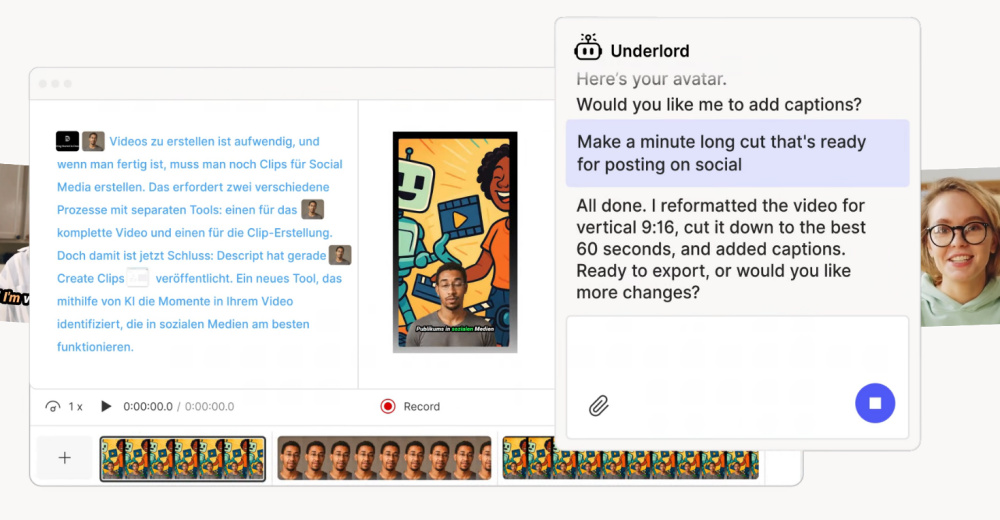
Short-form video becomes far less intimidating. These AI content tools trim clips, clean audio, add captions, remove filler moments, and shape polished promos.
No one needs to venture into the deep end of professional editing software. They’re fast, forgiving, and built for marketing turnaround times.
A scalable AI marketing lineup like this handles the bulk of execution with remarkable speed, especially once you build workflows around them.

Let Media Shower’s AI marketing platform be the star of your AI tech stack. Click here for a free trial.
What is an AI marketing team?
An AI marketing team is a group of specialized tools that perform distinct marketing functions—like research, content creation, or design—working together like a real team.
How do I choose the right AI tools for my team?
Start with your biggest bottlenecks or repetitive tasks. Then match tools to functions (e.g., ChatGPT for writing, Canva for visuals).
What’s the difference between using one AI tool vs. a stack?
A single tool may help with specific tasks, but an AI tool stack lets you cover more ground—faster and more strategically.
Can AI replace my marketing team?
No. AI is a productivity layer, not a thinking layer. You still need humans to lead strategy, make decisions, and manage brand integrity.
How do I avoid AI overlap and waste?
Assign each tool a clear function. Audit quarterly to cut redundant AI content tools and optimize your stack.